Sessions, programmes & libraries
Three workspaces sit beside the journals and feed them. Sessions are research chats that can search, reason, and cite without being attached to anything. Programmes are long-running research questions run like experiments — hypothesis, evidence, verdict. Libraries are curated collections of sources and snippets. Each exists because the thing it holds is not comfortable inside a journal: a chat is not a document, a question under test is not a page, and a reading pile is not writing. All three hand their outputs to a journal when you ask.
Sessions
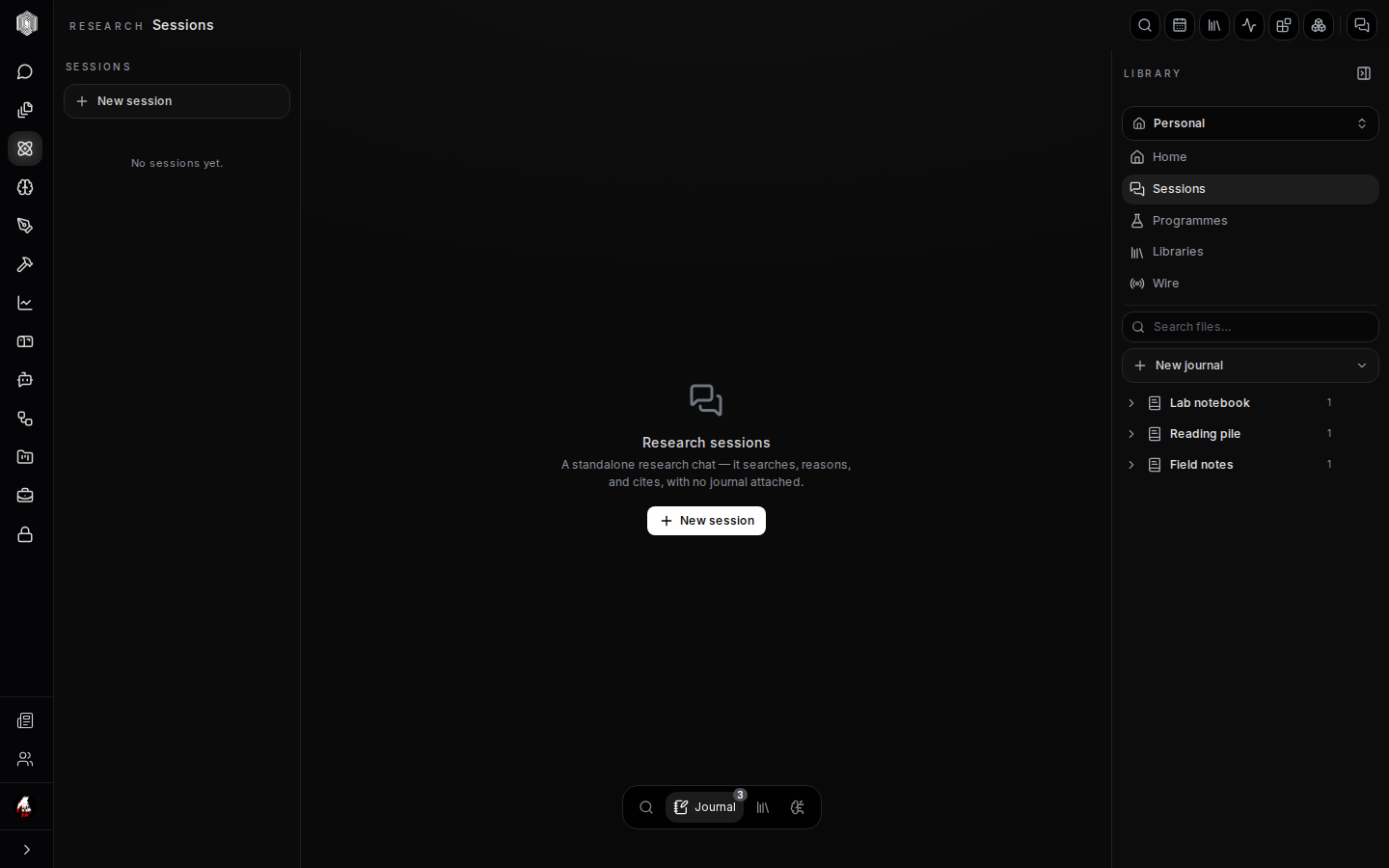
A session is a standalone research chat. It searches the web and your own material, reasons across sources, and cites what it used — the same machinery as the research chats elsewhere in the app, minus the attachment to any one journal. That freedom is the point: most research conversations are exploratory, and most exploration does not deserve a file. Sessions are where the scratch work happens; New session starts one, and the list keeps each with its title and a preview of where it left off.
Sessions remember. A session you opened last week reopens with its history intact, can be renamed, and can be deleted when it was truly nothing. When a conversation turns out to have been real work — a source haul, a synthesis you want to keep — that is the moment to promote it, described below. Until then it costs nothing but a row in the list, which is exactly the right price for thinking out loud.
From session to journal
Two verbs move a session's value into the desk. Promote to journal materialises the conversation as real journal content — the question, the answer, and the citations become notebook material in the journal you choose, editable from then on like anything you typed yourself. It is the difference between "I remember reading this" and having the page. Add to library files the session into a library as a live reference, so it sits beside papers and snippets in the collection where the topic lives.
Both verbs are on the session, not buried in a menu, because the temptation they fight is real: the useful chat you meant to keep and never did. The honest caveat is that promotion copies content at a moment in time — a session that keeps growing afterwards does not auto-update the journal copy. Promote when the conversation has said what it had to say.
Programmes
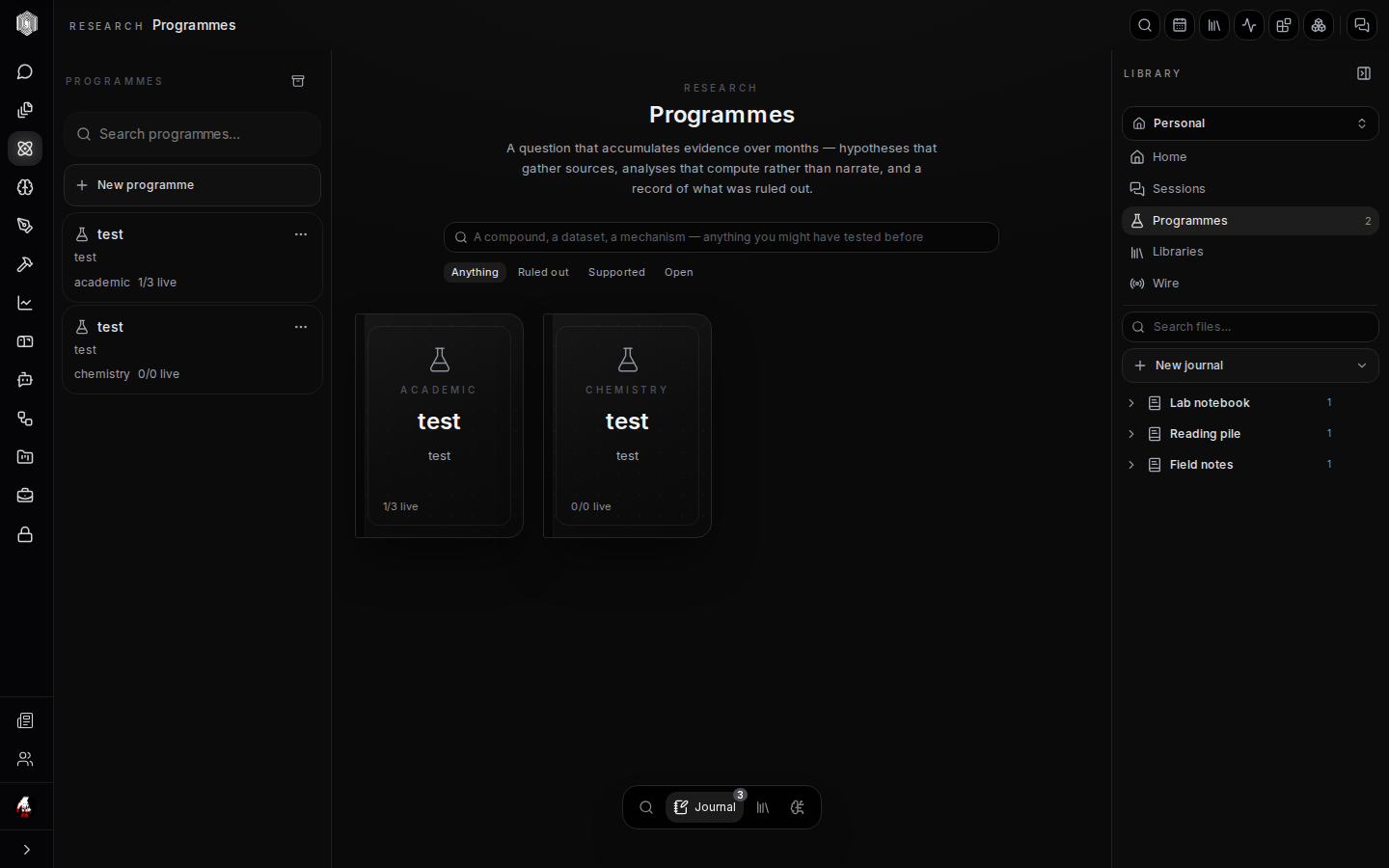
A programme is a research question run properly. Where a journal is a notebook — a place for whatever happens — a programme holds one question you are trying to actually answer, and gives that question a structure: hypotheses, the evidence admitted for and against them, the analysis plan, experiment results, and a final verdict. Programmes are server-owned and long-lived by design: they are meant to survive months, not sessions, so they live on the server where a dead laptop cannot take them with it, and a journal can hold a pointer to one without owning it.
New programme asks for the question and creates the workspace. From there the programme walks a deliberate loop: compose a hypothesis (a claim that could be wrong), search prior work so you do not re-derive the field, admit evidence with its source and weight into the ledger, and record experiment results against the hypothesis. Kill criteria can be declared in advance — what evidence would make you abandon the claim — which is the single habit that separates honest research from motivated collecting. When the work is done, the report stage turns the whole ledger into a written answer, and the loop closes or branches into the next hypothesis.
Libraries
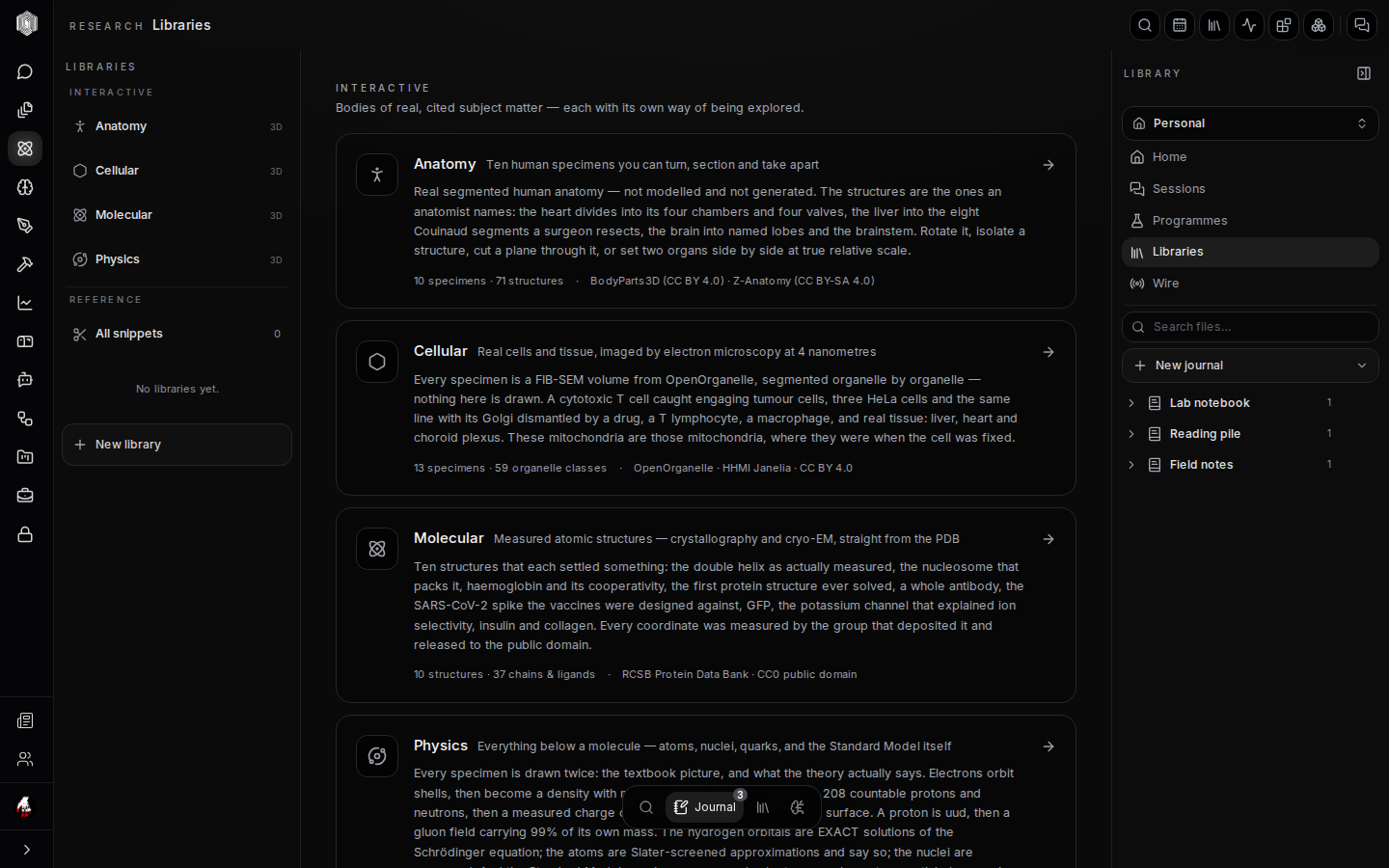
A library is a curated collection: sources, snippets, sessions, even whole journals, gathered under one name. The organizing rule is that library entries are live references, never copies — a paper added to two libraries is one paper seen twice, so fixing a citation fixes it everywhere and nothing drifts out of date. New library makes an empty one; the rail's Libraries row lists what you have; and everything in a library is one click from its underlying file.
Beyond your own libraries, the desk ships with built-in collections that are real material, not demos: Anatomy (ten human specimens you can turn, section, and take apart — the real segmented anatomy, organ by organ), Cellular (cells and tissue imaged by electron microscopy, segmented organelle by organelle), Molecular (measured atomic structures from the Protein Data Bank — the double helix as actually measured, haemoglobin, the SARS-CoV-2 spike), and Physics (atoms, nuclei, and the Standard Model, drawn twice — the textbook picture and what the theory actually says). Each is browsable in place, and each specimen carries its source and licence, so anything you cite from them cites honestly.
Snippets
A snippet is a fragment saved for reuse — a paragraph you keep re-pasting, a source formulation, a figure caption that works. Selecting text in the notebook offers save as a snippet, and snippets live in a bank that libraries can reference alongside whole files. When the same framing shows up in its third document, it wants to be a snippet with one home.
Snippets are small on purpose. The moment a snippet grows structure — its own sources, its own pages — it is arguing to become a journal, and the desk answers that argument: promote it into a real journal and reference the journal from your libraries instead. The bank stays shallow and fast, which is what makes it worth checking before writing the same sentence a fourth time.
Labels, folders & organisation
Inside a journal, items can be organised two ways. Folders are drag-and-drop groupings — chapter-like containers for items, useful once a journal holds more than a handful. Labels are named, coloured tags you define per journal (Settings creates them), and items can carry several at once, which suits the "this is both methods and half-written" reality of real notes. The rail shows folders and their items as a tree; grid view and the type filter show the same items flat, by kind.
The two schemes do not fight: folders answer "where does this live," labels answer "what is
this." The dashboard's filter row uses them too, so a label like reading-list is visible
from the desk without opening the journal at all. None of it is mandatory — a single notebook
with no folders is a perfectly respectable journal — but the structure is there for the
projects that grow one.