Boards & whiteboards
The two formats for work that is not a page: boards track tasks through stages, and whiteboards are freehand space for thinking that has not decided what it is yet. Both are built for pointing at — a board in a standup, a whiteboard in a planning call — and both keep the honesty tools (counts, progress, saved state) that make pointing at them useful.
The board
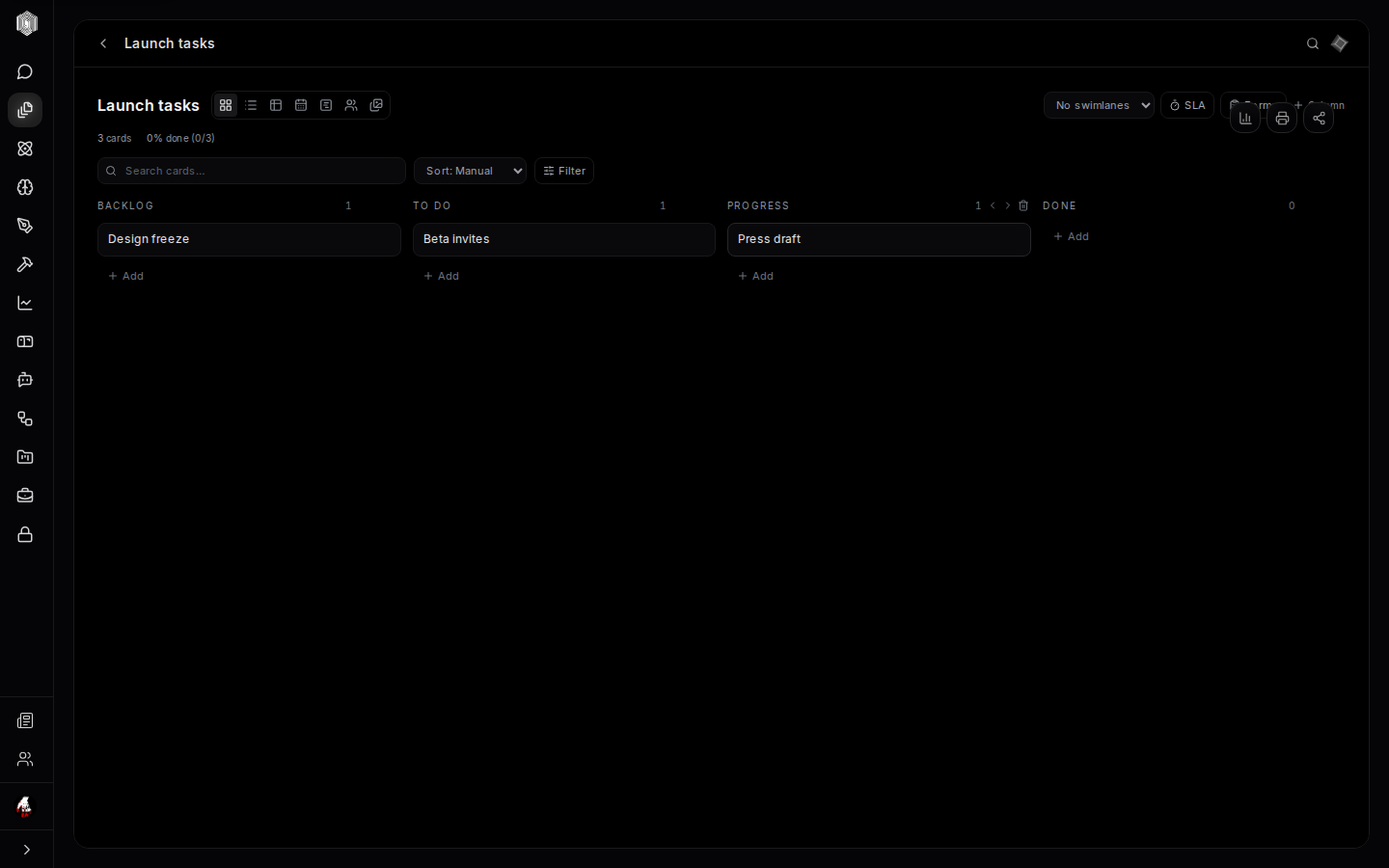
A board is kanban: columns (Backlog, To Do, Progress, Done by default — all renameable, reorderable, deletable) holding cards that move left to right as work progresses. Adding a card is the + Add control at the bottom of any column; type the title, Enter, done. The header keeps a live tally — card count and percent done — so a board is a status report even before anyone speaks. Search narrows the cards by name, sort reorders them, and filters hide everything that does not match.
A card is more than its title. Opening one reveals the detail view: a description, sub-tasks, labels and priority, due dates, time tracking, attachments, comments, and dependencies on other cards — the network of "this can't start until that finishes" that makes plans honest. The board header carries swimlanes (horizontal rows that slice the board by team, or priority, or whatever splits your work), WIP limits per column (a column at its limit visibly refuses more — the cheapest force against overcommitting), and an SLA timer for work that has a clock on it.
Seven ways to look at the same board
The view switcher in the board's header re-renders the same cards seven ways: the board itself; a flat list; a table for the spreadsheet-minded; a calendar laying cards out by due date, where a card can be added to the platform calendar (one way); a timeline drawing dependencies as bars; a workload view summing assignments per person; and a gallery of card fronts. Nobody uses all seven — most people live in the board, check the calendar before promising dates, and open workload when someone asks "who has too much."
The header's print and share controls round it out: print the board for the wall, or share it read-only (page six) for stakeholders who should see progress but not touch cards. Everything — columns, cards, swimlanes, settings — saves automatically as you arrange it.
The whiteboard
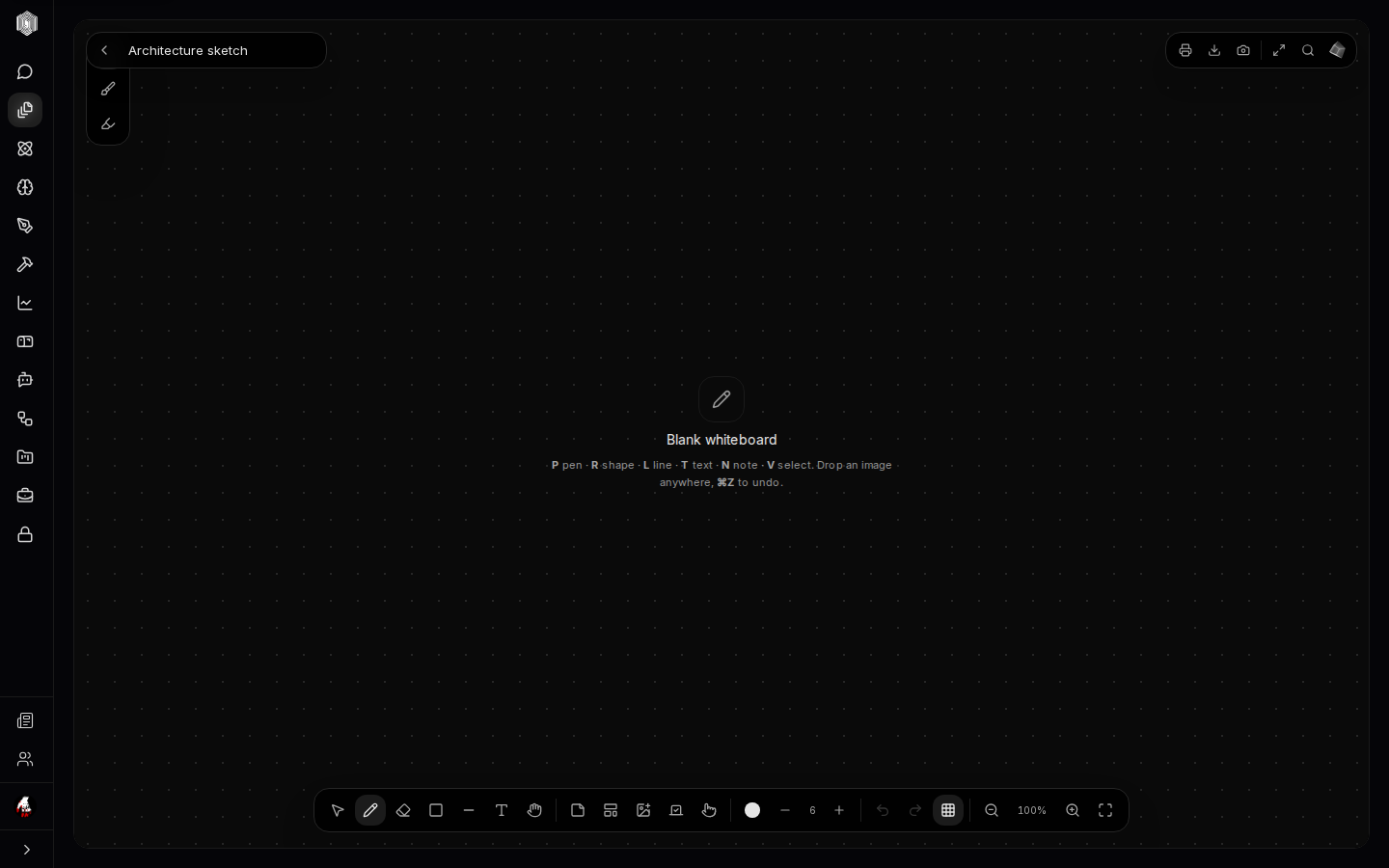
The whiteboard is the desk's open space: an infinite dotted canvas with a pen. The tool dock along the bottom carries selection, pen, shapes (rectangle, ellipse, line, arrow), text, and sticky notes — and the whole toolset is keyboard-driven: P pen, R shape, L line, T text, N note, V select. Drop an image anywhere by dragging it onto the canvas. ⌘Z undoes, zoom and a fit-to-content button keep the big picture reachable, and the board exports as an image when the sketch needs to travel.
Whiteboards earn their place at the moments a document is premature: architecture before the design doc, the sprint's shape before the board exists, the two-column argument for and against during a call. A board of sticky notes is one click away too — the Notes wall (page five) can send any sticky straight onto a whiteboard, so yesterday's quick capture becomes today's planning surface.
Which one, when
The pair looks interchangeable and is not. A board is for work with state: each card has a stage, an owner, and a moment it is done — the board's whole value is making that state visible at a glance. A whiteboard is for work without state yet: nothing has an owner, nothing is done, and the value is the shape of the thinking itself. The honest workflow is usually whiteboard first, board second — sketch the plan freely, then transcribe the survivors into columns and let the board's dates and owners do the tracking. Both live in Office's account, so the sketch and the board can share a folder and the knowledge graph (page six) draws the link between them.