Trading — start here
Poly trading is a full trading desk that lives inside Poly: real markets, real charts, and — if you want them — trading agents that watch the market and act for you. This guide set walks through every part of it in plain language: the trading terminal, your home page, wallets and money, the agents you can create, the fleets they can run in, and the investigation tools that answer "what is this coin and who is behind it."
Everything starts from the Trading item in the left sidebar. From there, the bottom dock (or the side rail, if you prefer) carries you between the eight areas: Markets, Home, Wallet, Agents, Fleets, Leaderboard, Sniper, and Explorer. Nothing is more than two clicks away, and everything in this guide can be reached exactly the way the screenshots show it.
The one idea to understand first: Paper vs Live
Before you touch anything else, learn the small switch in the top-right corner of the screen labeled PAPER and LIVE. It decides whether money is real, and it is always visible.
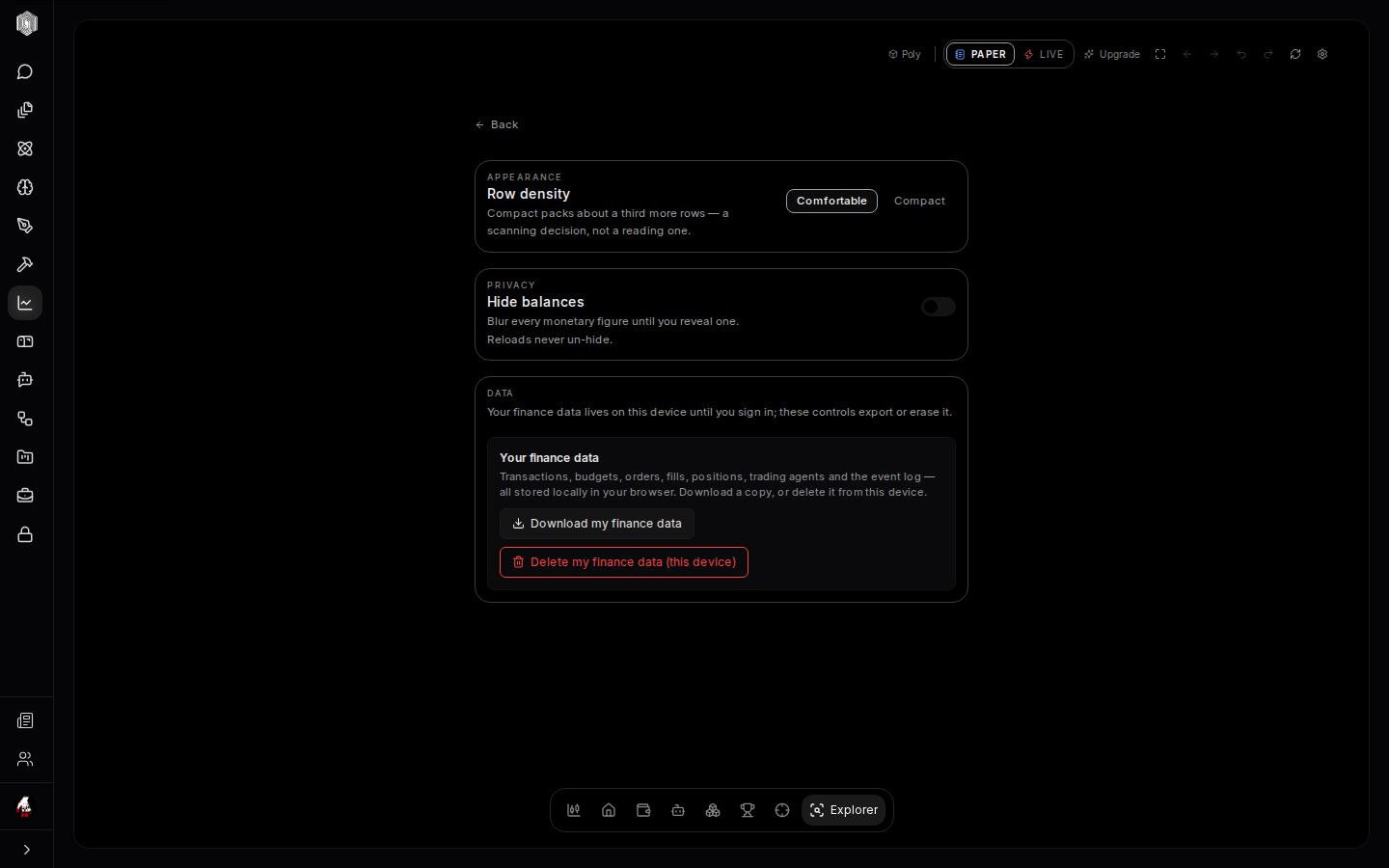
In Paper mode, you are trading with pretend money. The prices are real, the charts are real, the mechanics are modelled on live trading — real prices, with adverse slippage and fees — though a paper trade can never fail or fill partly on-chain the way a live one can, and the dollars are practice. Paper mode exists so you can learn the ropes, test an idea, or try a new agent with nothing at stake. Anywhere paper money appears in the interface, it is clearly labeled with a paper chip, so you are never tricked into thinking practice money is real.
In Live mode, a real wallet is connected and real funds move. Nothing happens in live mode by accident: manual trades go through a wallet you connect, and you confirm each one; an agent running in this tab asks your wallet to sign each trade; and an agent running in the cloud trades from a keeper wallet: If you run a trading agent in the cloud, it trades from a keeper wallet that Poly creates and holds for you: its private key is generated and stored, encrypted, on our servers. Trades from a keeper wallet run only while we have switched keeper execution on for the service. The safest habit — the one the whole product is designed around — is to stay in paper until what you are doing feels boring. Boring means you understand it.
What you can do here
There are three broad ways to use the trading section, and most people mix them.
Trade yourself. Open the Markets view, pick a token from the list, read the chart and the safety checks, and place a buy or sell with the ticket. You are always in control; every trade shows its quote and its details before you confirm. This is covered in The trading terminal.
Let agents trade for you. An agent is a little trader you create: you choose which coins it may touch, set the guardrails it must respect, and press start. It then watches the market on a schedule and makes small, rule-bound decisions — and it explains every one of them afterwards. Agents can run alone or together in a fleet. This is covered in Your agents and Fleets.
Investigate. Paste any wallet address or token name into the Explorer and see who holds what, who bought when, and whether a token looks safe or like a trap. You can even ask your agents to mirror a skilled trader's moves. This is covered in Explorer, Sniper & the rest.
How the screen is organized
The whole section behaves like one desk with many drawers. The top bar holds the tools that apply everywhere: the paper/live switch, the upgrade button, fullscreen, back and forward, undo and redo, refresh, and settings. The dock at the bottom is the map of the eight areas. And a search palette (press ⌘K or Ctrl+K anywhere) lets you jump straight to any token, wallet, agent, or fleet by name — type a few letters, press enter, and the desk re-arranges around it.
Each area keeps its own layout, but the shape is consistent: stuff about you on the left, the thing you are looking at in the middle, and the numbers that matter on the right. Once that pattern clicks, every new screen reads the same way.
What this will not do
Poly trading will not tell you what to buy, and no part of it is financial advice. The safety checks can tell you a token looks dangerous; they cannot tell you it will go up. The agents follow the rules you set; they do not have a crystal ball. Everything here is a tool for seeing the market clearly and acting on your own decisions — with training wheels (paper mode), guardrails (safeguards), and a full audit trail (the feed and the logs) so you can learn from every trade, not just the lucky ones.
With that said: start on the paper side, click around, and read on.